

Ensuring AI Readiness within the Nuclear Supply Chain
Your 4 Key Takeaways (Shadow AI at a glance)
- Shadow AI is typically found when your employees use AI tools for work that the business has not set up or approved.
- It's already a widespread issue. Microsoft found that most people who use AI at work bring their own tools to do it.
- Risks that come with Shadow AI usage are often accidental. Employees are simply trying to get their work done more efficiently.
- The real issue is where business data may end up if employees are using Shadow AI. When staff use AI tools from outside the business, it opens up a digital pocket for your confidential data to escape down unknown rabbit holes.
-png.png?width=1080&height=1080&name=labdesk-shadow-ai-social%20(3)-png.png)
So, what is Shadow AI?
Shadow AI is any AI tool your team uses for work that you have not chosen or set up. Some examples of shadow AI (outside your Microsoft environment) are:
- Claude
- Gemini
- ChatGPT
- Grok
- Perplexity
- Fireflies
It might be a free chatbot in a web browser. It might be an app on a personal phone. It might be a tool that quietly takes notes in your meetings. But you did not switch any of it on, and most of the time, you cannot see that it is there or what data it has access to.
This is happening in almost every business we speak to. Microsoft’s 2024 Work Trend Index put numbers on it: 75% of people now use AI at work, and 78% of them bring their own tools to do it. In small and medium businesses, that figure rises to around 80%.
In 2026 Employees can now easily find an AI tool online that helps them be more productive and start using it. However, few owners realise the risks employee use of Shadow AI can cause.
Why does Shadow AI at work happen?
Shadow AI is not a particularly malicious activity at all. Your team is very likely not trying to cause harm. They want to do good work in less time, and AI makes some slow tasks much quicker.
If the business has no single designated AI tool for teams to use, then employees who recognise the benefits AI can bring to their workplace a new AI tool that they found online to help manage their workload. That is usually how Shadow AI in businesses is born.
Shadow AI is usually a sign that your people want to work smarter, not a sign that anyone is doing something specifically wrong.
What's the real issue with using Shadow AI?
The risk with Shadow AI is not the AI itself that employees are choosing to use. It is primarily where your private information goes once an employee discloses it to the AI publicly. When someone puts a client list, a contract, an important presentation or a finance report into a tool from outside your business, that information is no longer only in your hands.
Your email and your files inside Microsoft are protected by layers of security you already pay for with a Microsoft licence. However, when personal AI tools sit outside of this security layer, your data becomes at risk.
You may not even know it is happening. In the same Microsoft study, 52% of people who use AI at work said they are reluctant to admit to their bosses that they use it for their most important tasks. Thankfully, most of the time nothing comes of it…
However, when it does go wrong, it can be serious. In 2023, engineers at Samsung pasted confidential source code and a recording of an internal meeting into a public AI tool to help them work faster. That information left the business and could not be pulled back. Confidential knowledge about a private tool they were building quickly became public information. Samsung banned staff from using these tools shortly after. If it can happen to one of the largest technology companies in the world, with a dense and rigorous security team behind it, it can happen to a business with less cybersecurity coverage.
But where does your data actually go when using it?
When your team types into a free or personal AI tool, that text contains data which leaves your business and is stored on the AI company's own servers.
A few things can happen from there. Most of these AI tools keep the data that people type into them, which is often used to help train and update new AI models. This collected data can be stored inside third-party servers for a long time, and in some cases, employees at a Shadow AI software company can read a sample of your conversations (including the private business data) from these server banks to check the quality of the AI’s output.
Business versions of the same tools usually work very slightly differently, but most people are signing into Shadow AI tools with a personal account to complete business work. Once your information has gone into training a model, there is almost no way to take it back.
Once your information is on a third-party system, it can be entirely out of your control.
For example, if the company’s own security is breached by a malicious cyberattack, your business data may be caught up and sold without your permission. This can become a big problem if many employees are using different AI tools and disclosing different pieces of business information into each one. With the chance of your data being leaked from a third-party server quietly increasing per Shadow AI tool used.
The more Shadow AI tools in use, the more likely you are to have your shared data breached.
Additionally, because some of these tools learn from what they are given, a piece of your information may appear in an answer the Shadow AI may give publicly, and be shown within the context of your organisation to someone outside your business.
The last, most significant risk of employees using Shadow AI is how it may handle personal data in non-compliant ways. For example, putting sensitive data into an ungoverned third-party AI tool can break your duties under UK GDPR.
You may already have a safer AI tool
Here is the part most teams are missing in the AI buzz. You may already pay for a tool that does the same job as most Shadow AI tools your employees may find online, but far safer and fully compliant.
This tool is your Microsoft Copilot. Which runs exclusively safely inside your own Microsoft 365 business environment. This AI ensures your data stays protected by the same security that already covers your Microsoft email and files you and your team use daily. Using Copilot as a single AI for you and your employees allows complete transparency on how any data is used, allowing you to stay in control of any sensitive data.
But is it a strong AI? We think so, and we’ve tested many. Aside from leading AI essentials, Copilot now runs Anthropic’s Claude as an agent named “Cowork”, all inside your own tenant.
How to get ahead of Shadow AI
How do you stay ahead of the curve, even if you don’t want to use only Copilot as a primary AI for your team? Here are a few simple steps to remove most of the risk:
- Give your team one AI tool worth using. When the approved tool is good and gives your employees and yourself everything you need to get the job done, people stop looking elsewhere.
- Make it easy to reach and easy to use. Employees often take the simple path when choosing an AI tool to work with. If it’s familiar, it will likely work well.
- Set a few rules for AI data disclosure. What is fine to put into the AI, and what is not.
- Give it an owner. One person who can keep an eye on how AI is used across the business.
- Talk to your team about the shift and Shadow AI. Most people will happily switch to the safe option once they know it is there.
This is the work we call AI usage and governance. It is not heavy or technical. It is mostly about giving people a good tool to use and clear guidance on how it affect your data privacy and cybersecurity.
A simple place to start
If you would like to know whether Shadow AI is already in your business, the easiest first step is a free readiness conversation. We look at how AI is being used, where your data could be exposed, and the quickest way to put a safe option in place.
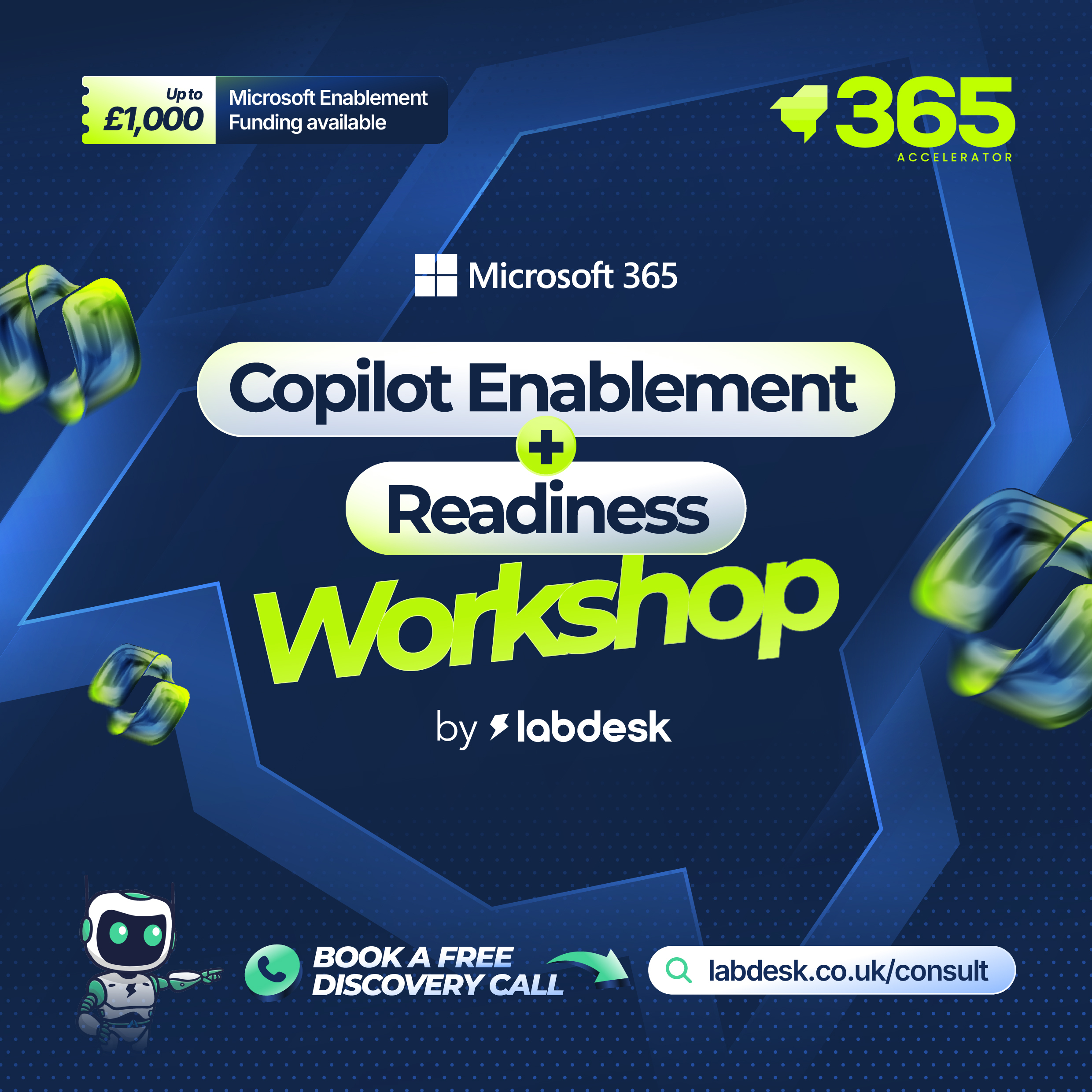
If it is useful and you want to go further, we offer our Copilot Enablement and Readiness Workshop. A structured session that turns your current Cybersecurity and AI infrastructure into a clear development plan to get your business secure and protected.
The workshop gives the right AI tool for your team, the simple rules to put around it, and we show you directly where Copilot will save you the most time personally. You come away with a roadmap built for your business. This is an online workshop.
And if any work follows, there is up to £1,000 of Microsoft funding behind qualifying projects.
To book your free readiness conversation, click the link below.
→ Copilot Enablement Workshop by labdesk - Drive Value with Microsoft Copilot AI
-png.png?height=200&name=copilot-or-cowork-blog-hero%20(1)-png.png)

-png.png?height=200&name=securescore-3-blog-main%20(2)-png.png)